01
Add your vocals
Import an isolated vocal WAV and an optional backing track. Add singers on separate tracks and save a portable session.

Version 0.5.19 · Preview
Tune vocals offline. Free for Mac & Windows.
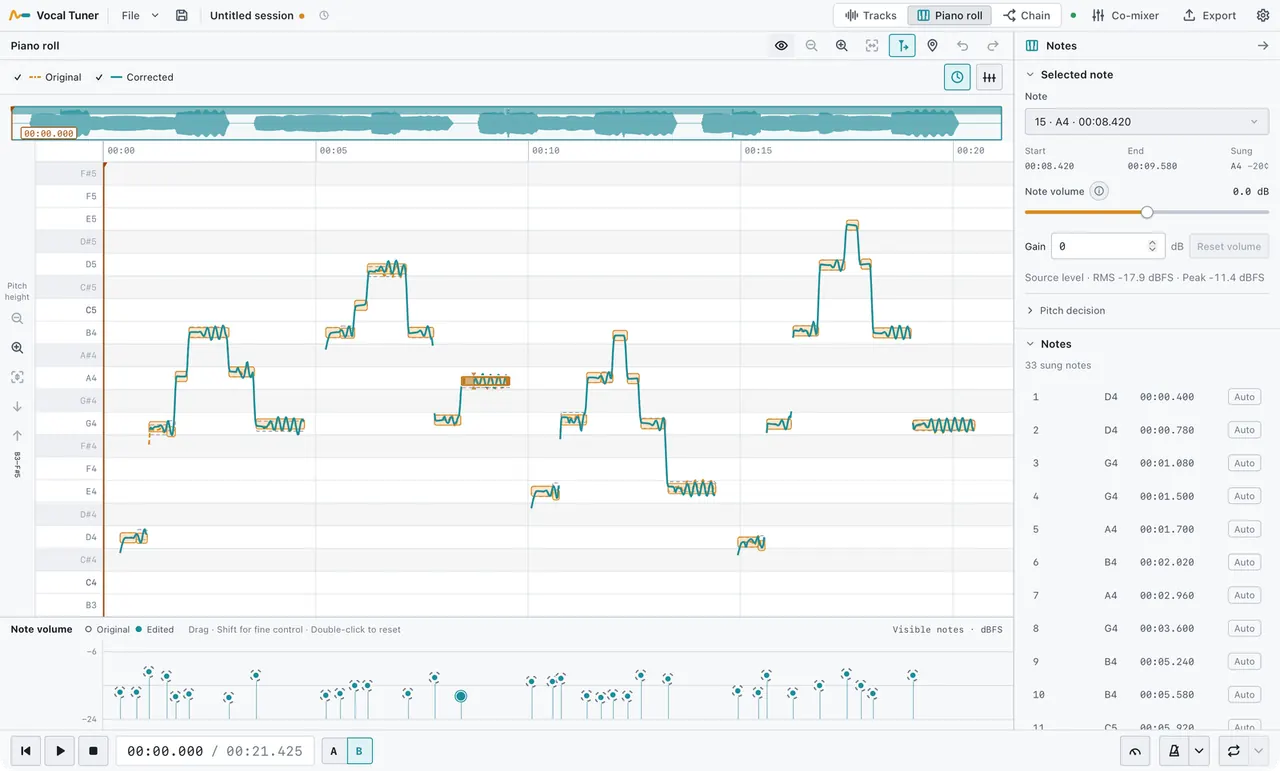
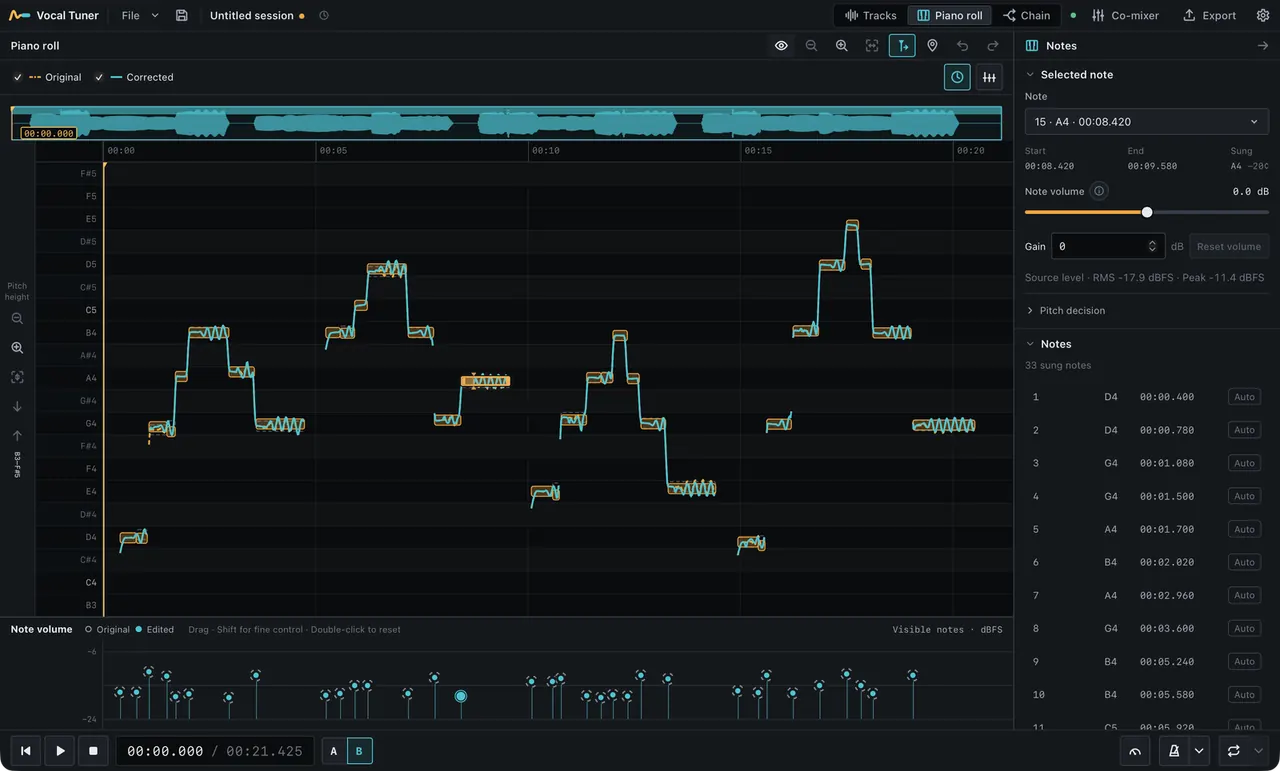
Import an isolated vocal WAV and an optional backing track. Add singers on separate tracks and save a portable session.
Analyse pitch, choose a key, and apply gentle correction. Adjust notes and timing, or add native harmonies guided by your chords.
Compare original and corrected vocals, balance tracks, and export WAV or MP3. Correction is experimental: listen before keeping a result.
macOS 12 or later · M-series chip.
Download for Mac — Apple Silicon, version 0.5.19DMG installer · arm64
macOS 12 or later · Intel processor.
Download for Mac — Intel, version 0.5.19DMG installer · x64
Windows 10 or 11 · 64-bit (x64).
Download for Windows — 64-bit, version 0.5.19EXE installer · x64
Pitch correction, native harmonies, and audio export work offline. Import an isolated vocal as WAV, then add a backing track if you have one. Your audio stays on your computer. The app checks online and downloads updates automatically; you choose when to install. Windows setup may download Microsoft WebView2 if needed.
The Mac builds are ad hoc signed and not notarized. The Windows installer is unsigned. Gatekeeper or SmartScreen may ask before the app opens.
Optional extras: third-party VST3 effects are supported on Mac only and must be installed separately. RVC voice conversion requires a separately configured local runtime and model. Neither is needed for pitch correction or native harmonies.
If Gatekeeper blocks it, use System Settings → Privacy & Security → Open Anyway.
SmartScreen may warn because the installer is unsigned. Use More info → Run anyway.