EQ
Two shelves, three bells and low and high cuts, over a live pre- and post-EQ spectrum. Each bell can cut dynamically, keyed from the track or a sidechain.

v0.2.2 · Early build
10 vocal plug-ins · VST3 & AU · Free, open source
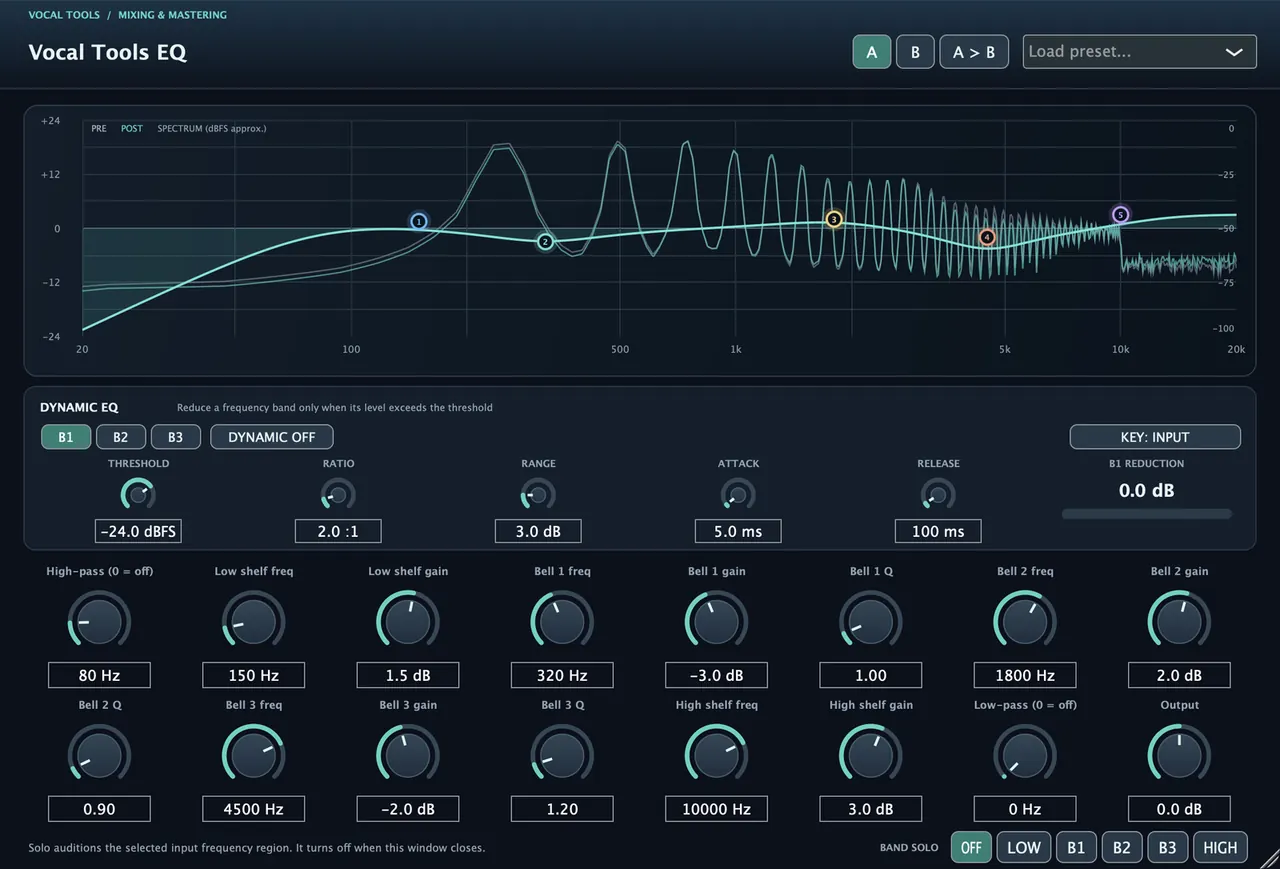
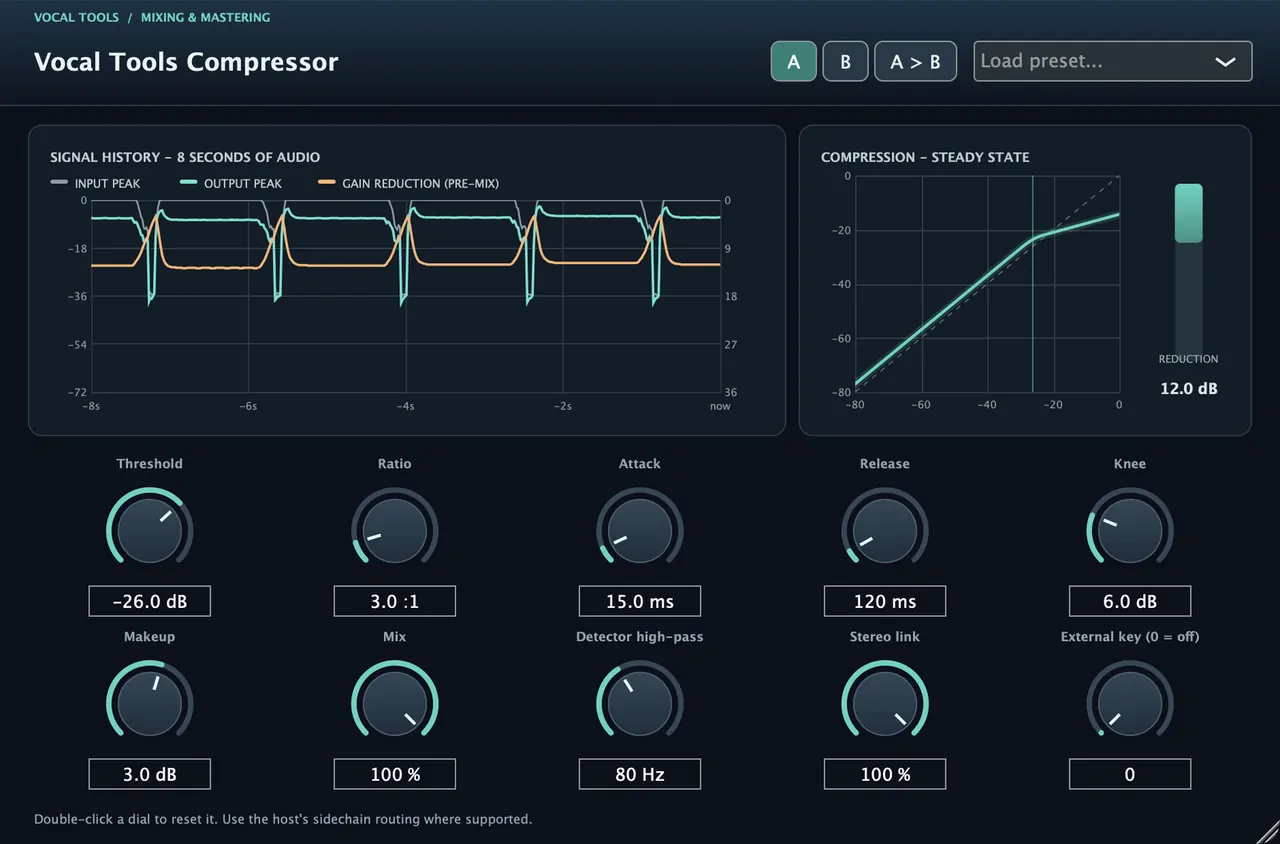
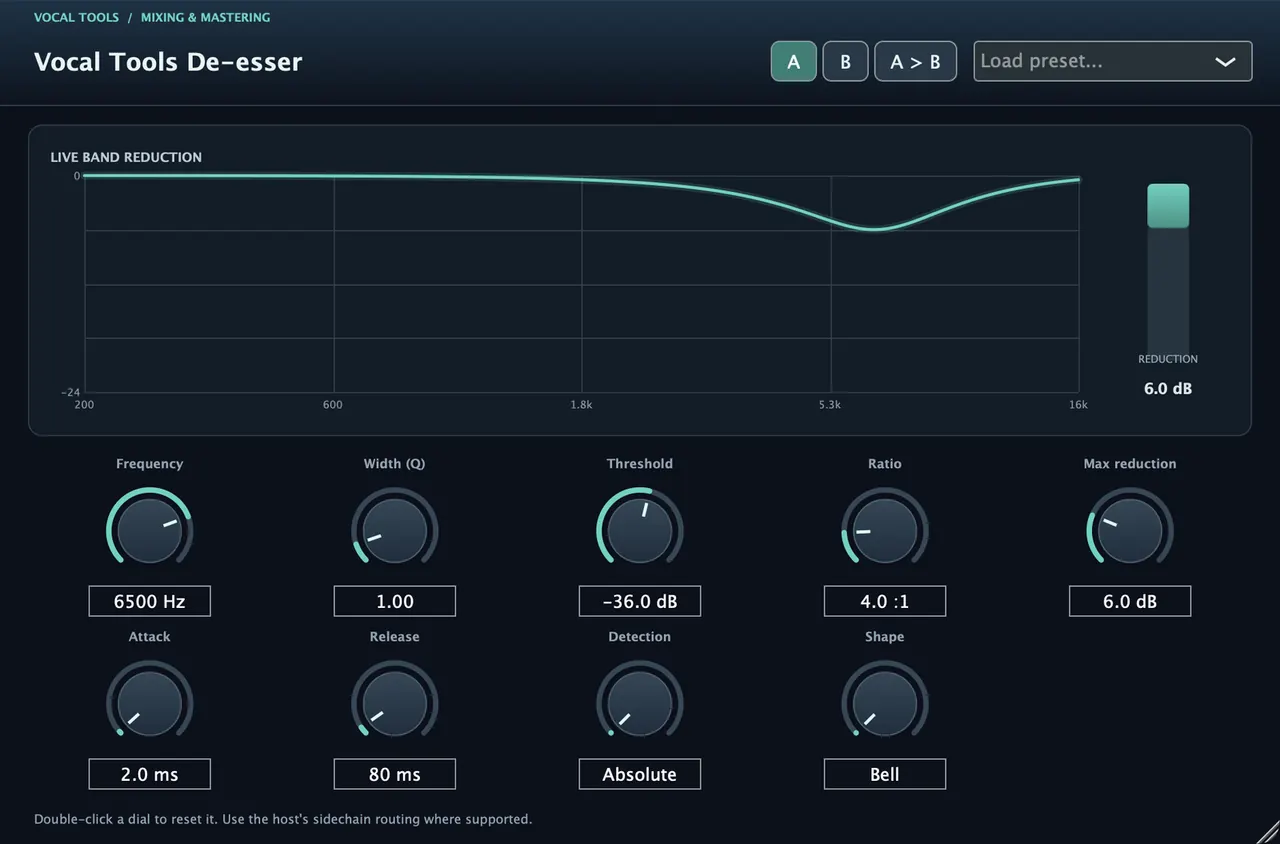
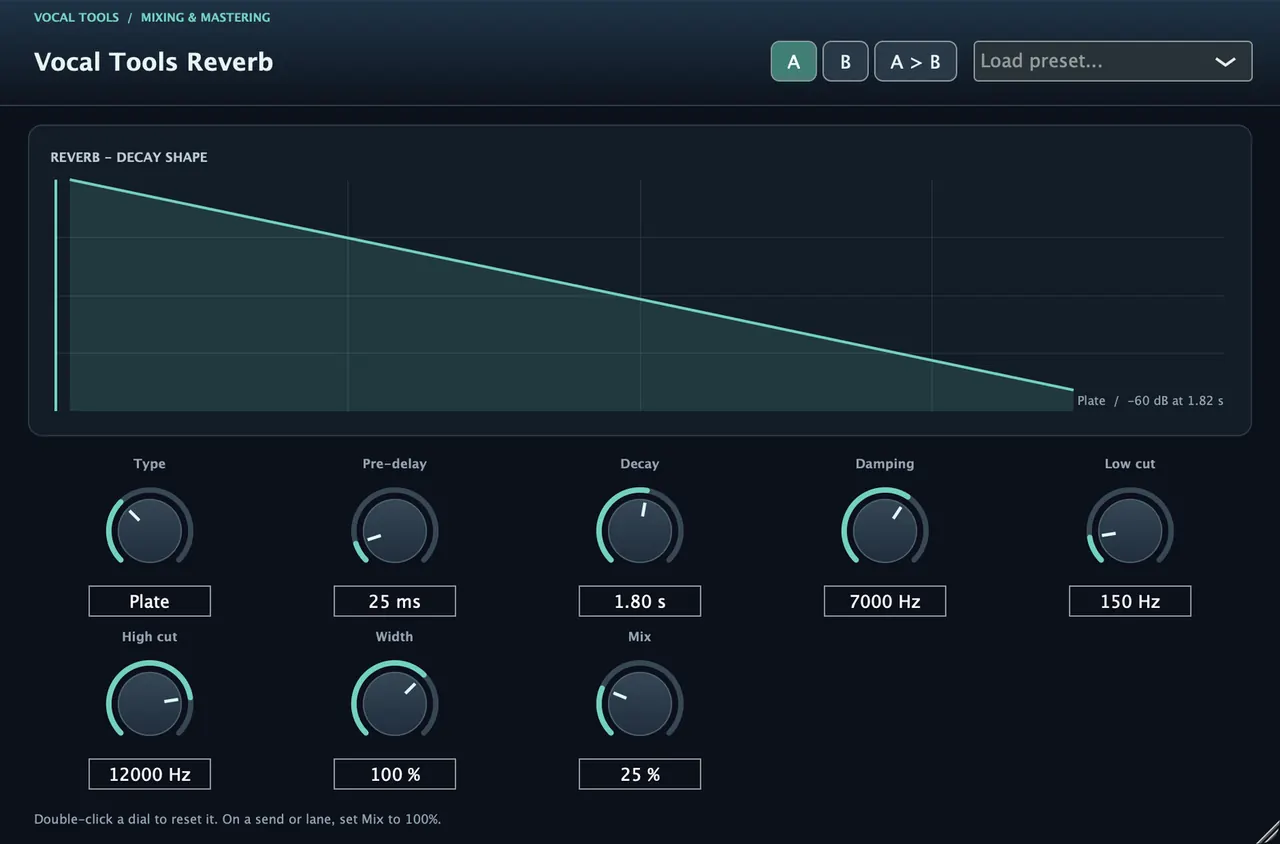
Two shelves, three bells and low and high cuts, over a live pre- and post-EQ spectrum. Each bell can cut dynamically, keyed from the track or a sidechain.
Soft-knee leveling with mix, a detector high-pass and an optional sidechain. A scrolling history shows input, output and gain reduction.
Gentle downward expansion with range, hold and hysteresis, so breaths and phrase endings can stay natural.
Bell or high-shelf sibilance reduction. Relative detection cuts only when esses stand out from the voice.
A 5 ms lookahead peak limiter that holds sample peaks, with an optional true-peak mode.
Loudness and peak estimates for checking levels. It never changes the audio.
Room, Plate, Hall and Spring, with pre-delay, damping, and filters on the wet signal only.
Stereo or ping-pong echoes up to 2 seconds, synced to the host tempo, with filtering, drive and tape-like wobble.
Tube, Tape or Clip at 4x oversampling, with auto gain to keep the level steady and a tone control.
A two-voice doubler, mid/side width, and mono below a set frequency to keep the low end centred.
macOS 11 or later · VST3 and Audio Unit.
Download for Mac — Apple Silicon and Intel, version 0.2.2ZIP · universal · 154 MB
Windows 10 or 11 · x64 · VST3.
Download for Windows — 64-bit, version 0.2.2ZIP · x64 · 35 MB
The plug-in source, tests and build scripts both builds were made from.
Download source — Vocal Tools 0.2.2ZIP · CMake project · 153 KB
Each effect starts neutral, so nothing changes until you turn it up. Every plug-in except the Meter has presets and A/B comparison. Presets are starting points: set thresholds by ear and compare at matched loudness. Meter readings are estimates, not certified measurements.
The Mac plug-ins are ad hoc signed and not notarized, so macOS may ask before a host loads them. The Windows plug-ins are unsigned. All ten pass Steinberg's VST3 validator on both systems, and the Audio Units pass a load and render check. The Windows build hasn't been tried in a Windows DAW yet, so try them in yours before relying on them.
Vocal Tools is free software under the GNU Affero General Public License, version 3. It is built with JUCE 8.0.9 (AGPLv3), which includes the Steinberg VST3 SDK (used under GPLv3); the unmodified JUCE source is available below. VST is a registered trademark of Steinberg Media Technologies GmbH.
.vst3 bundles you want from the VST3 folder to ~/Library/Audio/Plug-Ins/VST3. .component bundles you want from the Audio Units folder to ~/Library/Audio/Plug-Ins/Components. .vst3 folders you want from the VST3 folder to C:\Program Files\Common Files\VST3. Windows asks for administrator permission. On a Mac, if macOS blocks a plug-in when your host loads it, open System Settings → Privacy & Security, choose Open Anyway, and rescan. Or remove the download quarantine in Terminal, once for each format you installed:
xattr -dr com.apple.quarantine ~/Library/Audio/Plug-Ins/VST3/Vocal\ Tools\ *.vst3
xattr -dr com.apple.quarantine ~/Library/Audio/Plug-Ins/Components/Vocal\ Tools\ *.component
Save your session before changing installed plug-ins.
A free skill that teaches an AI agent to mix a song in Vocal Tuner with these plug-ins. Agents can't hear, so it mixes by measurement against a reference mix you like, then hands you a render to judge by ear.
For Claude, Codex, or any agent that reads SKILL.md skill folders.
ZIP · version 1.0.0 · 11 KB
~/.claude/skills/ for every project, or into a project's .claude/skills/. ~/.codex/skills/.The method, starting targets taken from approved mixes, chain recipes for the vocal, harmony bus, instrumental and master, fixes for common complaints, and a measuring script. The script needs Python 3 with numpy, scipy, soundfile and pyloudnorm.
The figures get an agent close to a balance you already like. Your ear makes the final call. The skill tells agents to save every attempt as a new file and to say what they didn't check.