Mac
- Download the Apple Silicon or Intel version.
- Open the DMG and drag Event Music Player into Applications.
- Open the app and choose where to keep your music library.
If Gatekeeper blocks it, use System Settings → Privacy & Security → Open Anyway.

Version 1.2.0
Music for weddings and events, on Mac & Windows. Free, with no account or internet.
Three steps
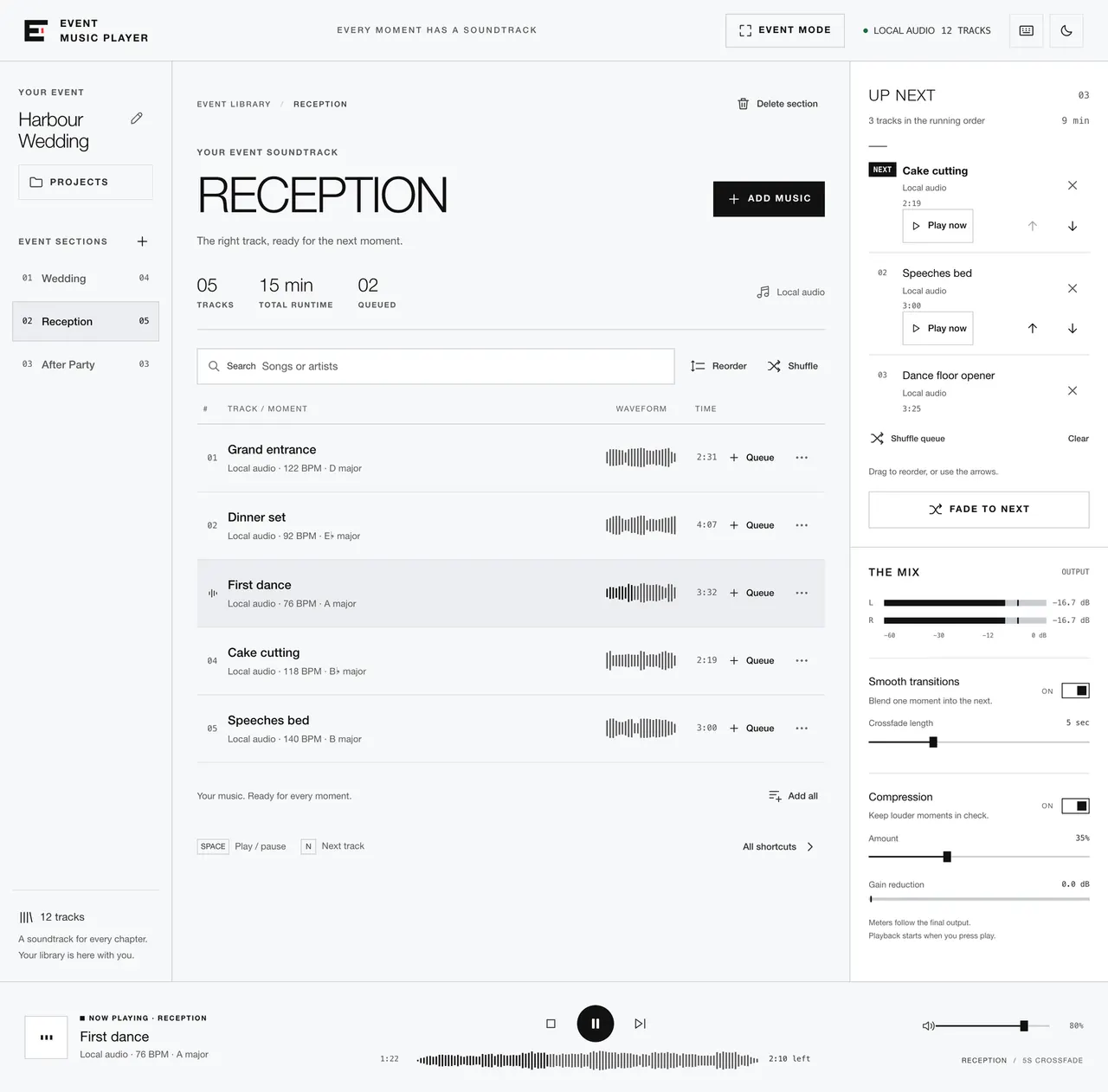
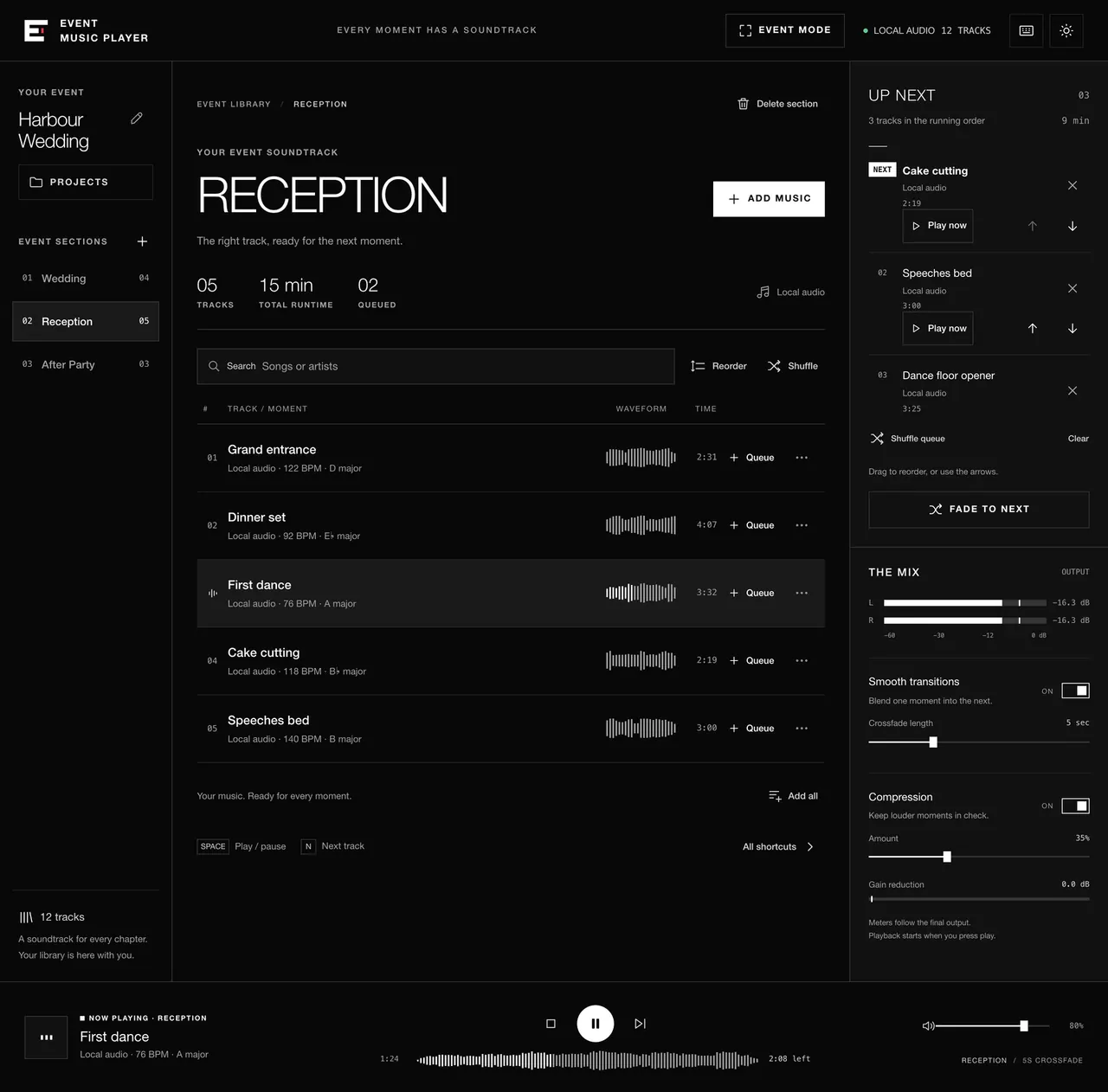
Create a project for each event and split it into sections such as Wedding, Reception and After Party. Add your own audio files; the app keeps its own copy in your library folder.
Search by title, artist or moment, then queue songs one at a time or a whole section. Reorder, shuffle or play one straight away. Each song shows its waveform, tempo and key, and can be trimmed at either end.
Crossfade between songs over 1 to 15 seconds, or fade to the next one when you choose. Pause and resume fade gently, and compression evens out loud peaks, with live level and gain reduction meters.
Version 1.2.0
For Macs with an M-series chip.
Download for Mac — Apple Silicon, version 1.2.0DMG installer · arm64
For Macs with an Intel processor.
Download for Mac — Intel, version 1.2.0DMG installer · x64
For Windows PCs running x64 apps.
Download for Windows — 64-bit, version 1.2.0EXE installer · x64
On first start you choose one folder for your events, songs and audio files. Put it on an external drive to carry the library between computers. Nothing is uploaded.
The Mac builds are ad hoc signed and not notarized. The Windows installer is unsigned. Gatekeeper or SmartScreen asks once before the app opens.
Mac and Windows
If Gatekeeper blocks it, use System Settings → Privacy & Security → Open Anyway.
SmartScreen may warn because the installer is unsigned. Use More info → Run anyway.