Mac
- Download the Apple Silicon or Intel version.
- Open the DMG and drag Subtitle Studio into Applications.
- Open the app and wait for the video engine setup.
If Gatekeeper blocks it, use System Settings → Privacy & Security → Open Anyway.
v1.11.0 · Preview
SRT/VTT subtitles for Mac & Windows. Free & open source.
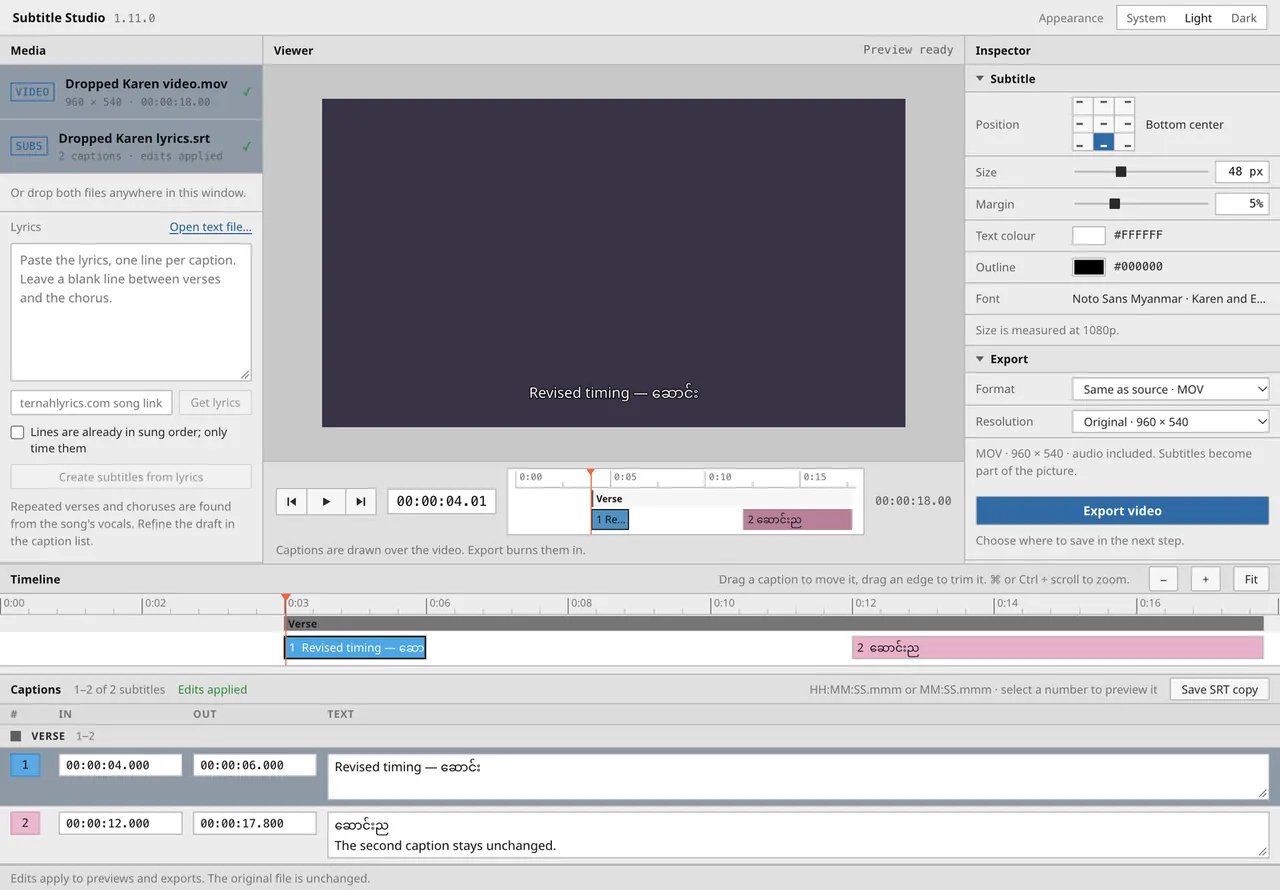
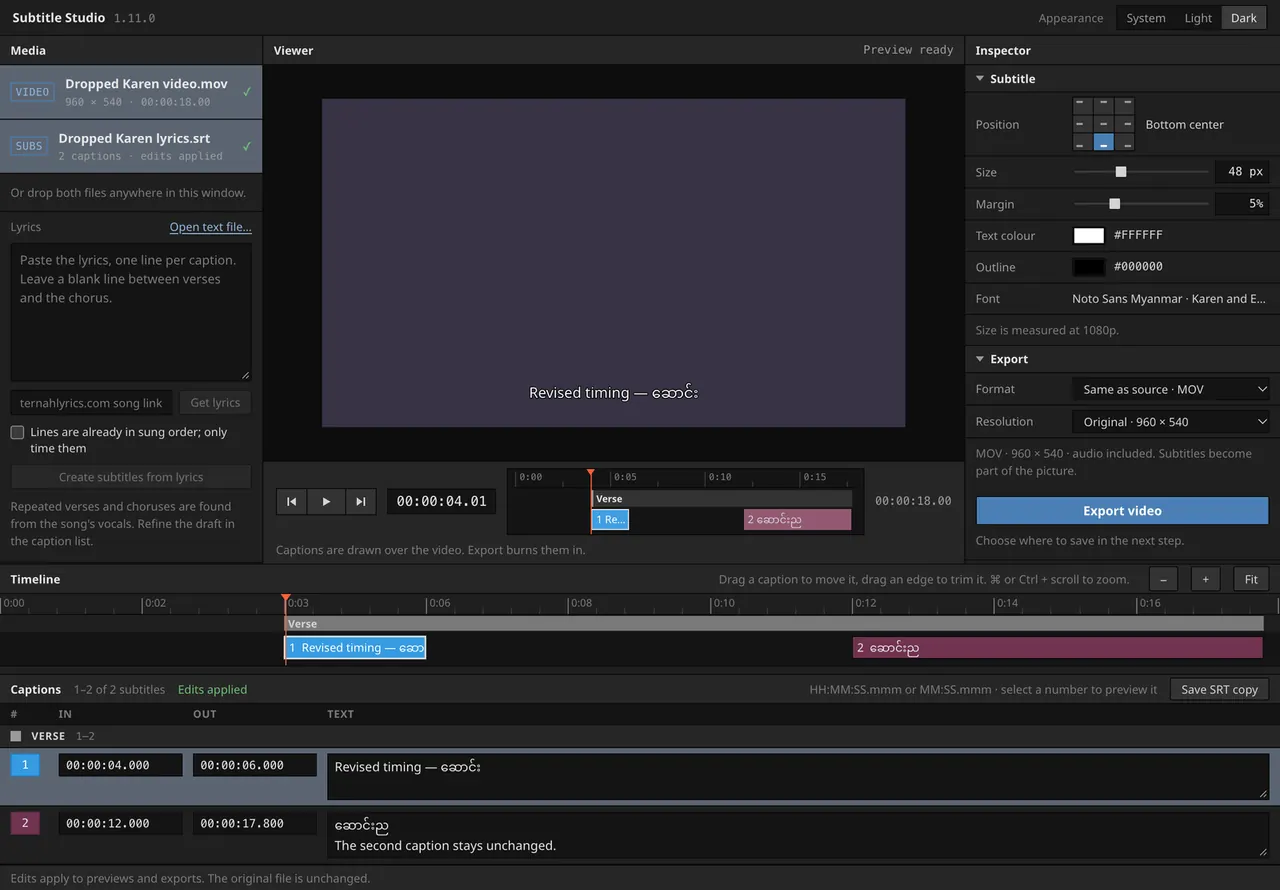
Three steps
Drop in a video and SRT/VTT subtitles, including Ter Nah Lyrics exports. Or paste lyrics or a ternahlyrics.com song link to time lines from separated vocals, matching repeated verses and choruses. Bundled Noto Sans Myanmar supports Karen and English.
Set position, size, margins and colours; start with white text and a black outline. Move or trim captions on the zoomable timeline, or edit times and text in the list. Follow captions and song sections on the scrubber. Save projects for later. Preview the full video with audio at the exact export size.
Burn subtitles into MP4, MOV, MKV, WebM or AVI, up to 4K. Keep the source format and size, or choose your own. Your original files stay unchanged.
Version 1.11.0
For Macs with an M-series chip.
Download for Mac — Apple Silicon, version 1.11.0DMG installer · arm64
For Macs with an Intel processor.
Download for Mac — Intel, version 1.11.0DMG installer · x64
For Windows PCs running x64 apps.
Download for Windows — 64-bit, version 1.11.0EXE installer · x64
Connect once to download the video engine, verified with a SHA-256 checksum. Afterward, previews and exports work offline. Creating subtitles from lyrics needs two extra models (1.4 GB), downloaded on first use. Files stay on your computer. Updates download in the background and install when you quit.
The Mac builds are ad hoc signed and not notarized. The Windows installer is unsigned. Gatekeeper or SmartScreen may ask before the app opens.
Mac and Windows
If Gatekeeper blocks it, use System Settings → Privacy & Security → Open Anyway.
SmartScreen may warn because the installer is unsigned. Use More info → Run anyway.